BH Lab2.99242.0
Publisher Description


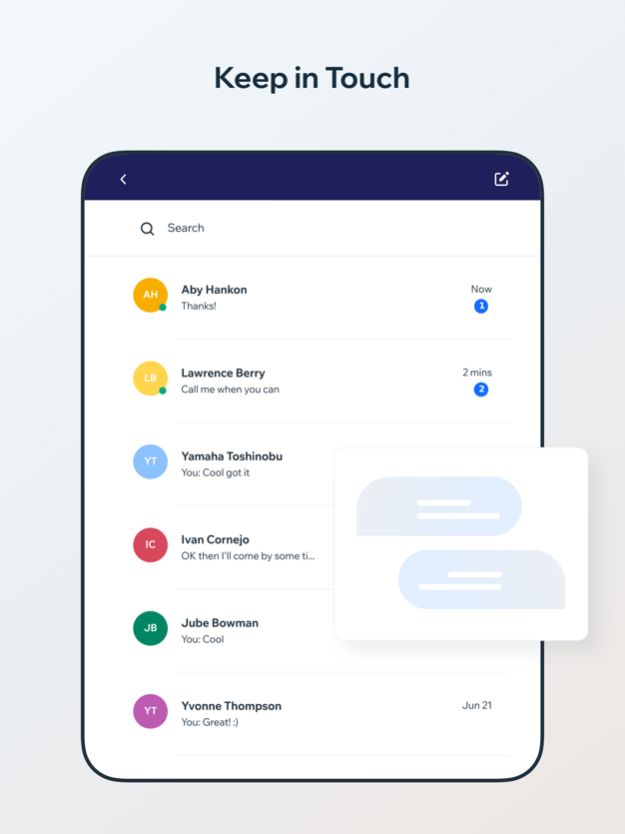
Elevate your well being and optimize yourself to your full potential at The Biohack Lab. We are South Florida’s Biohacking center where our 360 approach combines our holistic health and wellness philosophy, Education with special guest experts, with science-backed therapies, services and products. Download The Biohack Lab App today to book your sessions at our center, track your progress, plan and schedule your upcoming visits. From this App you will have access to special packages, a personalized wallet to easily fill or stop whenever you wish, Education and information on our services, on going promotions, personal protected data allowing you to see your progress and milestones based on your goals and more. Our mission is to help you connect with your body fearlessly! To empower you to own your biology. Take charge of your health, defy aging and live your best life now! Save time and conveniently sign up and book your next session from our App today!
Oct 16, 2024
Version 2.99242.0
Bug fixes, performance improvements
About BH Lab
The company that develops BH Lab is The Bio-Hack Lab LLC. The latest version released by its developer is 2.99242.0.
To install BH Lab on your iOS device, just click the green Continue To App button above to start the installation process. The app is listed on our website since 2024-10-16 and was downloaded 1 times. We have already checked if the download link is safe, however for your own protection we recommend that you scan the downloaded app with your antivirus. Your antivirus may detect the BH Lab as malware if the download link is broken.
How to install BH Lab on your iOS device:
- Click on the Continue To App button on our website. This will redirect you to the App Store.
- Once the BH Lab is shown in the iTunes listing of your iOS device, you can start its download and installation. Tap on the GET button to the right of the app to start downloading it.
- If you are not logged-in the iOS appstore app, you'll be prompted for your your Apple ID and/or password.
- After BH Lab is downloaded, you'll see an INSTALL button to the right. Tap on it to start the actual installation of the iOS app.
- Once installation is finished you can tap on the OPEN button to start it. Its icon will also be added to your device home screen.
Program Details
System requirements
Download information
Pricing
Version History
version 2.99242.0
posted on 2024-10-16
Oct 16, 2024
Version 2.99242.0
Bug fixes, performance improvements
version 2.97563.0
posted on 2024-09-01
Sep 1, 2024
Version 2.97563.0
Bug fixes, performance improvements
version 2.96174.0
posted on 2024-08-08
Aug 8, 2024
Version 2.96174.0
Bug fixes, performance improvements
version 2.94723.0
posted on 2024-07-10
Jul 10, 2024
Version 2.94723.0
Bug fixes, performance improvements
version 2.93652.0
posted on 2024-06-13
Jun 13, 2024
Version 2.93652.0
Bug fixes, performance improvements
version 2.82029.0
posted on 2023-08-28
Aug 28, 2023
Version 2.82029.0
Bug fixes, performance improvements
version 2.81626.0
posted on 2023-08-21
Aug 21, 2023
Version 2.81626.0
Bug fixes, performance improvements
version 2.81457.0
posted on 2023-08-17
Aug 17, 2023
Version 2.81457.0
Bug fixes, performance improvements
version 2.80295.0
posted on 2023-07-23
Jul 23, 2023
Version 2.80295.0
Bug fixes, performance improvements
version 2.80091.0
posted on 2023-07-16
Jul 16, 2023
Version 2.80091.0
Bug fixes, performance improvements
